TPG-TDieline templates / Flat / mylar bag
Free flat / mylar bag dieline templates.
Three-side-seal flat bag, front and back panels, with seals, zipper and tear notch marked. Works for metallised and clear-front mylar artwork.
Download a size.
Every file: trim (black), 0.125 in / 3 mm bleed (red), safe zone (green), folds (blue). Print or place at 100%.
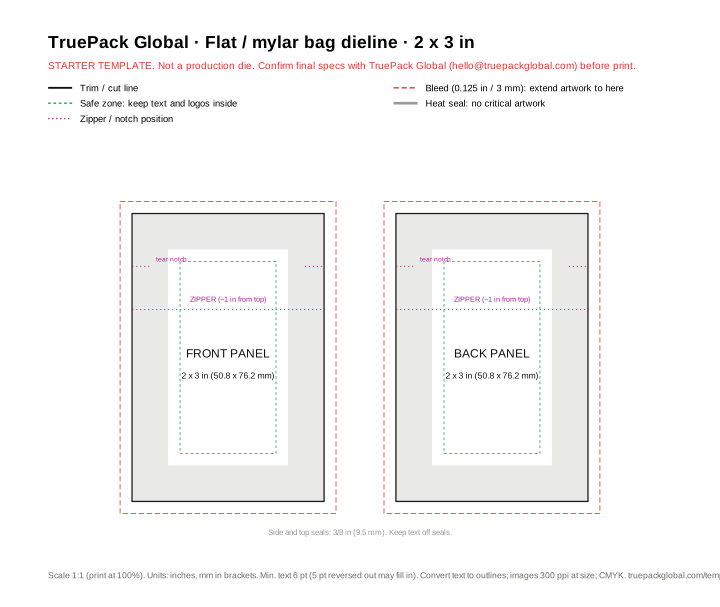 2 x 3 in
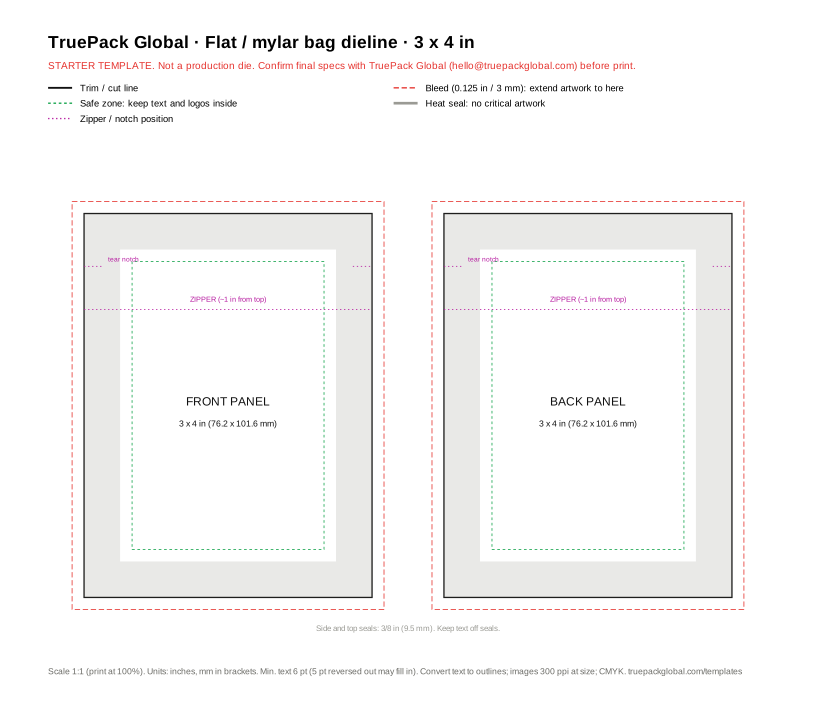 3 x 4 in
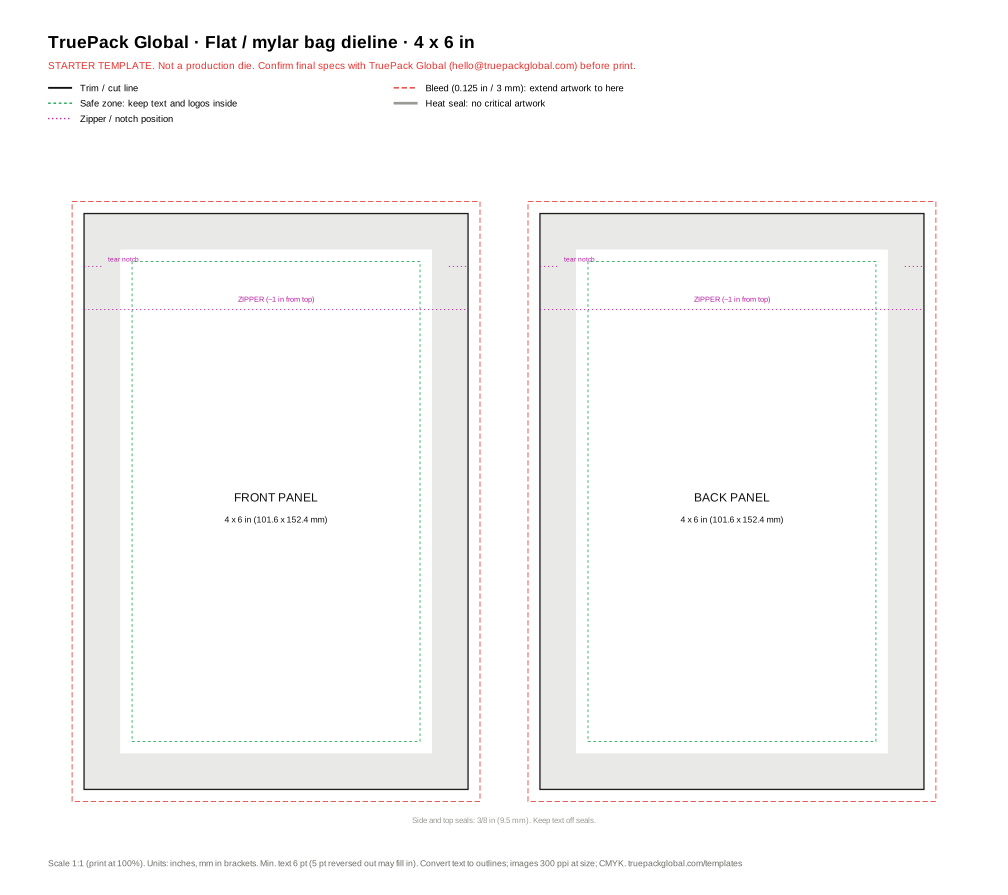 4 x 6 in
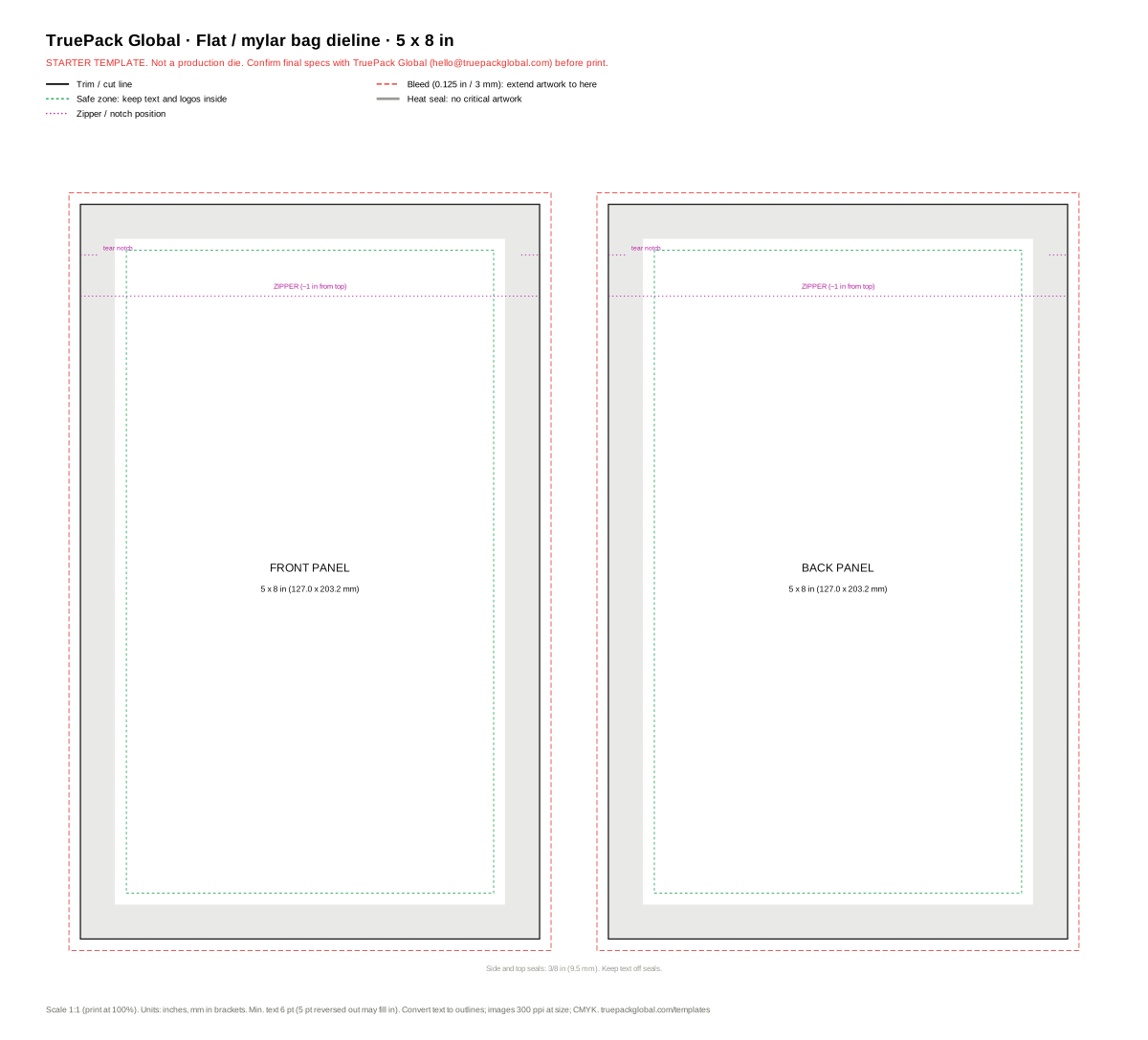 5 x 8 in
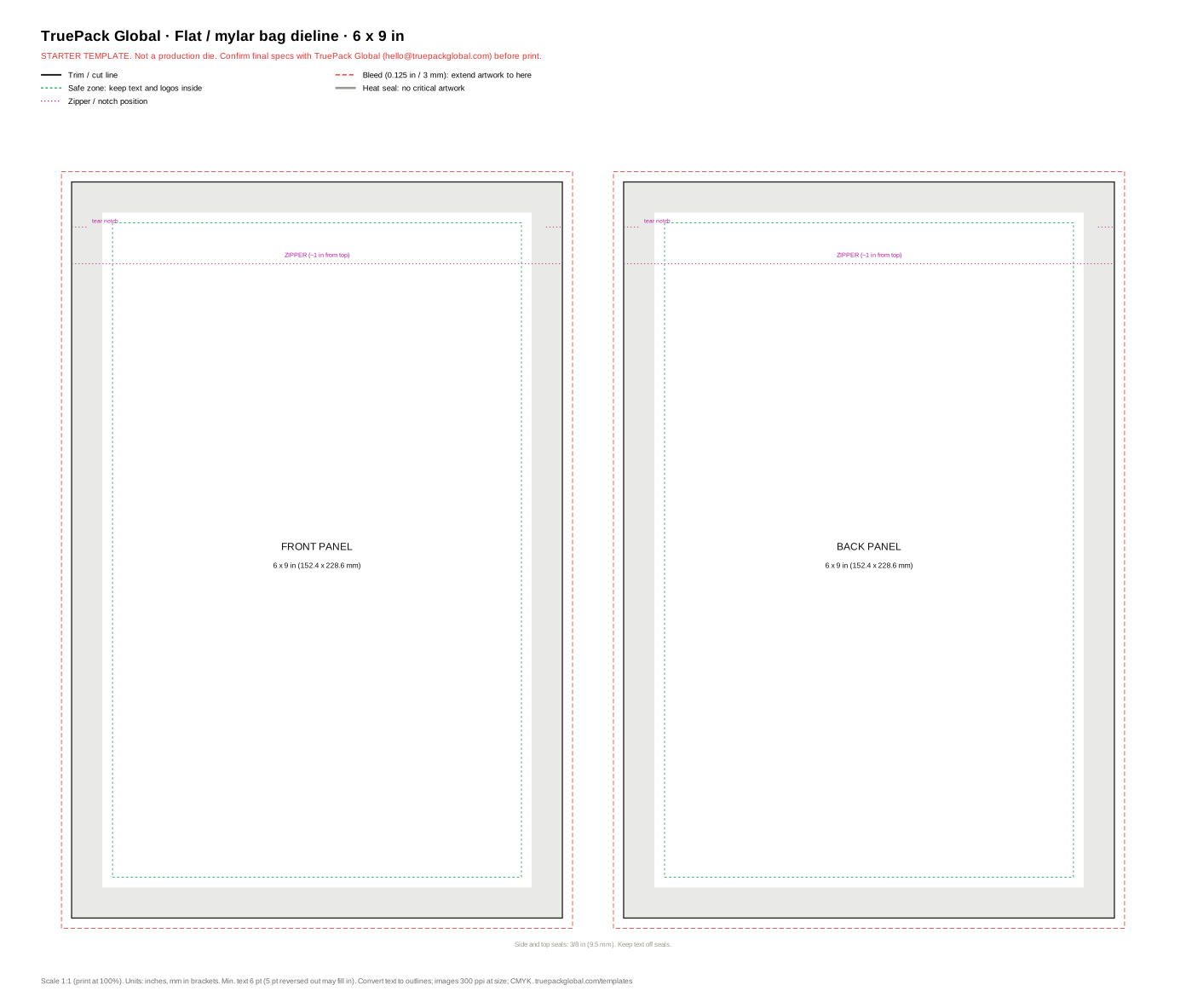 6 x 9 in
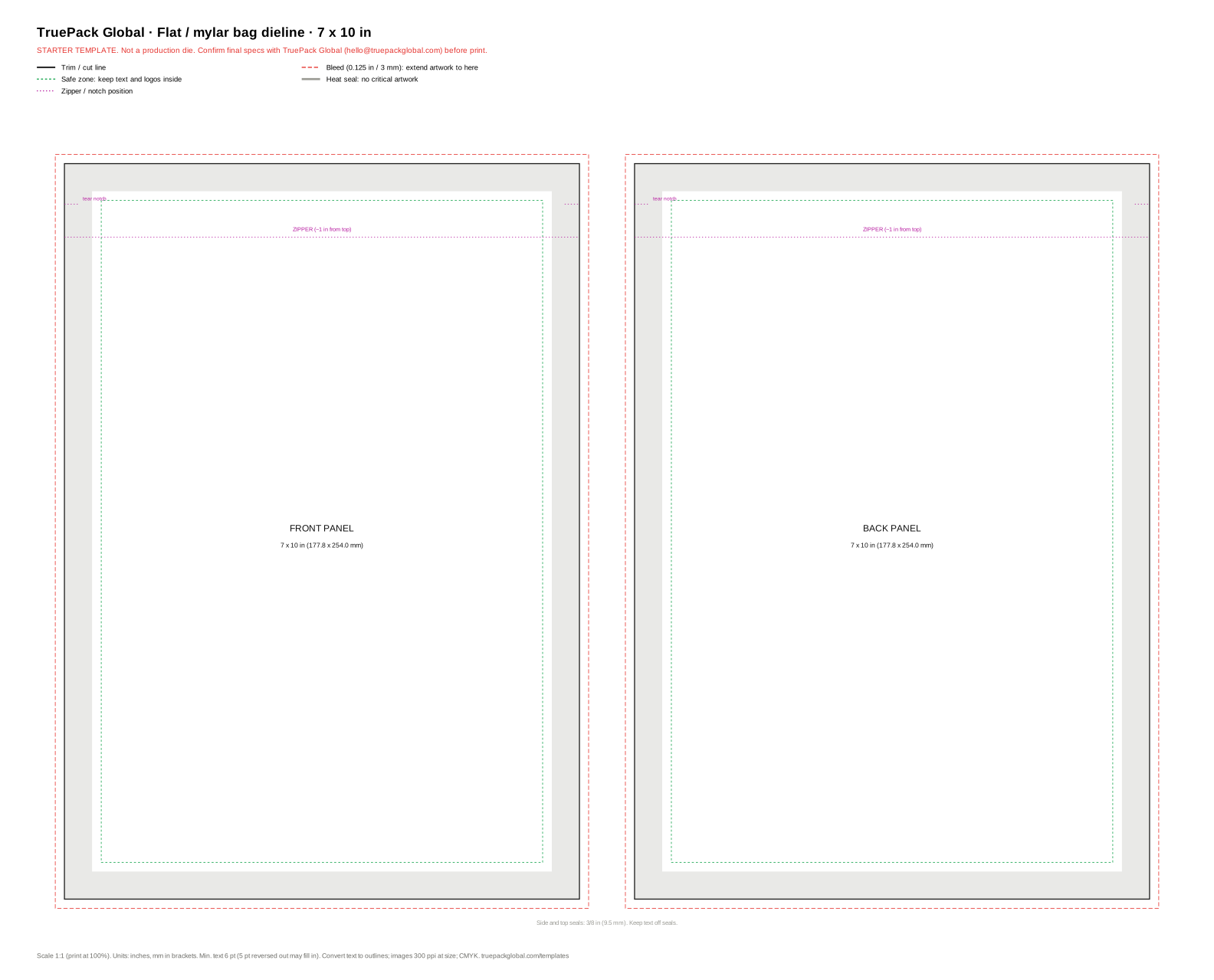 7 x 10 in
Starter template, not a production die. Sizes and offsets follow general print standards. Material and machine change the exact die, so confirm final specs with us (hello@truepackglobal.com) before you send files to print.
What to watch on a flat / mylar bag.
- 01Seals are 3/8 in (9.5 mm) on all sides; keep critical art 1/8 in inside them.
- 02On a clear-window bag, mark the window as a separate layer; we print white under the art around it.
- 03A hang hole, if you want one, usually sits centred about 3/8 in below the top edge.
- 04Bleed 0.125 in (3 mm) past trim on every edge that has colour; safe zone 0.5 in inside trim.
Check your size.
Enter a size to get bleed, safe-zone and minimum-text guidance. This runs in your browser; nothing is sent.
General print guidance, not a production spec. Factories differ: confirm final specs with us before print.
Questions.
01Are these flat / mylar bag dielines free?
Yes. Download the SVG or PDF directly; there is no email gate or sign-up.
02What bleed and safe zone do the templates use?
Bleed is 0.125 in (3 mm) past trim on every edge. The safe zone is 0.5 in inside trim, which also keeps text off the 3/8 in heat seals.
03Can I send these straight to print?
No. They are starter templates that follow general print standards. Material and machine change the exact die, so confirm final specs with TruePack Global before print.
04How do I get a flat / mylar bag quoted?
Use the quote form on this page or at truepackglobal.com/quote. We quote it free and show the factory price and our margin as separate numbers.